
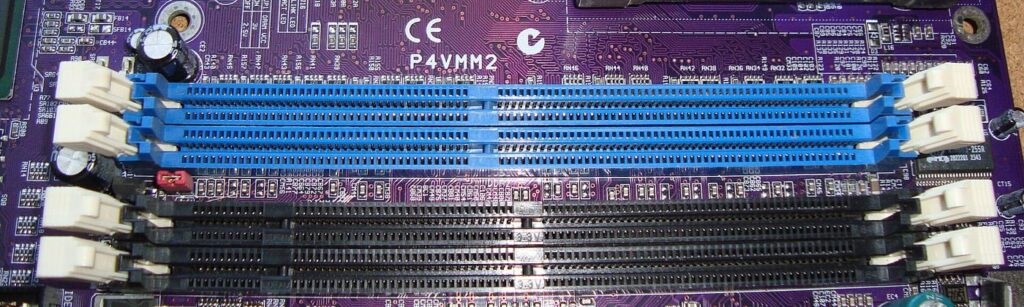
Eight gigabytes of RAM used to be comfortable for gaming. It is not any more. Modern titles happily consume six or seven gigabytes by themselves, and Windows, a browser, a chat client and two game launchers are all queuing for the same memory. The result is familiar to anyone on an older rig: stutter in busy scenes, textures arriving late, and the dreaded freeze just as a match gets interesting.
Your Real Opponent Is Background Bloat
Before blaming the game, open Task Manager and look at what else is running. Browsers are astonishingly hungry — a dozen tabs can take well over a gigabyte. Chat and streaming apps, cloud storage, RGB utilities and storefront launchers all take their cut too. Individually they look harmless; together they can leave a game with less memory than the developer ever intended.
You could close everything manually before each session, and plenty of players do. But some of that memory stays allocated even after programs close, held as cache or simply not released. That is the portion worth reclaiming deliberately.
The Pre-Game Clean-Up
Wise Memory Optimizer has become a quiet fixture in many budget gaming setups for this reason. Run it before launching a game and it forces applications and Windows itself to hand back idle and cached memory, consolidating what remains. Players typically see several hundred megabytes freed, sometimes more after a long day of browsing. Its defragmentation pass also helps games that allocate memory in large blocks, reducing the chance of a paging hitch mid-session.
The automatic mode suits gaming particularly well. Set a threshold, and if memory dips below it while you play, the clean-up runs in the background. The tool itself is tiny and uses negligible resources, which matters when resources are the whole point. Full details and the download are at wisememoryoptimizer.com.
Stack the Small Wins
An optimiser works best alongside a few habits. Play in full-screen mode where possible, keep graphics drivers current, and move the game to an SSD if you have one, because paging to a fast drive hurts far less. Turn off in-game overlays you do not use, and if your motherboard allows it, enable the memory profile in the BIOS so your RAM runs at its rated speed rather than a safe default.
Build a Pre-Game Routine
Treat memory like part of your loadout. Ten minutes before a session: close the browser properly rather than minimising it, quit the launchers for stores you are not using, and pause cloud sync if it is chewing through a folder. Then run the optimiser and watch the free figure climb. Only then start the game. Players who adopt the routine stop blaming their graphics card for stutters that were never about graphics in the first place.
It is also worth learning to spot a memory leak. Some games slowly consume more RAM the longer a session runs, until even a healthy system chokes. If a title feels fine for an hour and dreadful by the third, check its memory use over time. A mid-session clean-up, or a quick game restart between matches, is the standard workaround until the developer patches it. Knowing the difference between a leak, background bloat and a genuine hardware limit turns guesswork into a two-minute diagnosis.
None of this changes the long-term picture: sixteen gigabytes is the sensible target for a modern gaming PC, and prices permitting, a second stick of RAM remains the single best upgrade for an 8GB system. Until that day, though, reclaiming wasted memory is free performance. When every gigabyte counts, the ones your browser was hoarding count most of all.
Related reading: Soil Microbes and Drought-Resilient Crops
